Every scan on IdeaFast adds the problems it finds to one shared catalogue. Repeats are joined into one problem, which keeps every quote and community behind it, and the catalogue is ranked by how much busier each problem got this month. That catalogue is the Problem library. Older IdeaFast pages call it the Pain Universe; it is the same thing under its new name.
It is not the free Reddit pain point finder, which anyone can search without an account. The Problem library lives inside the app and grows with every scan. The pictures below come from a demo account with example data.
Find problems worth solving, step by step
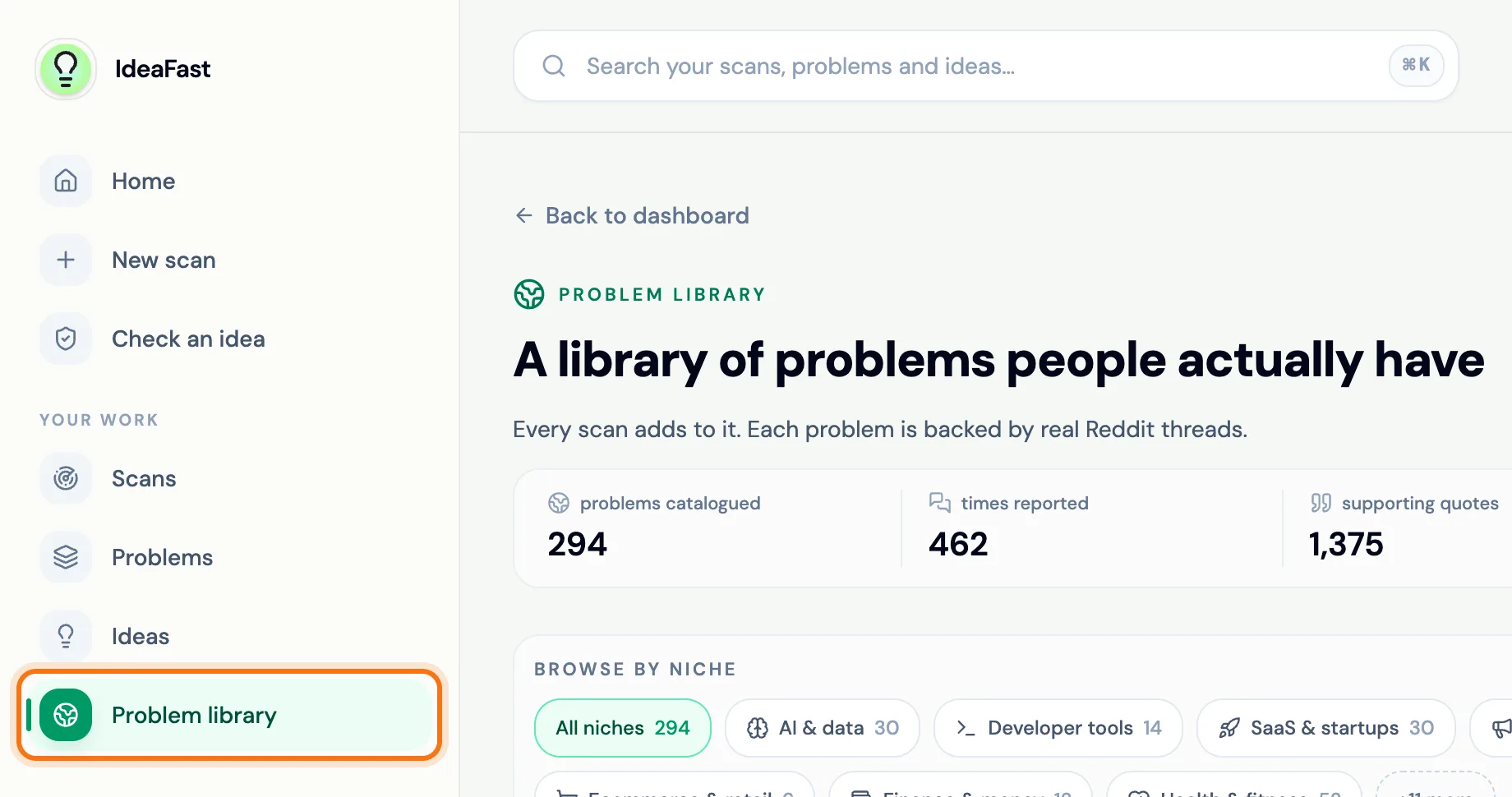
Step 1: Open Problem library
Click Problem library in the side panel.
 (opens the picture full size)
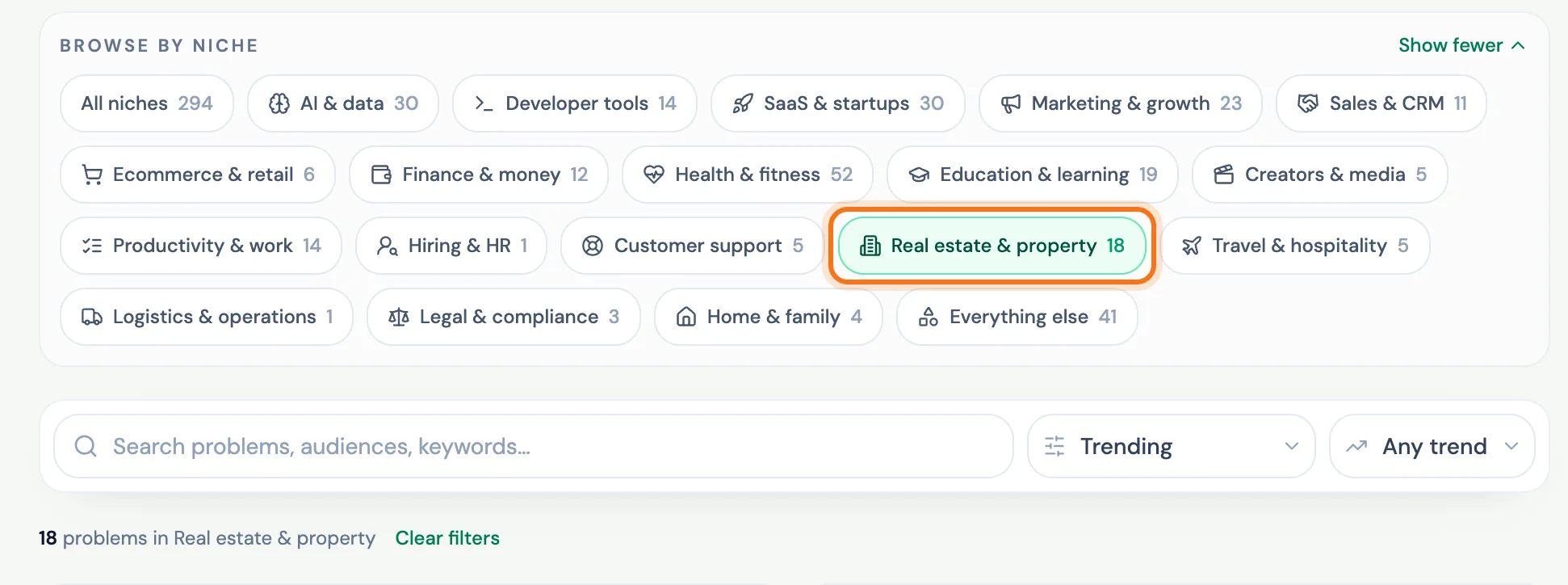
Step 2: Browse by niche
Under Browse by niche, pick the field you care about. The number on each niche is how many problems it holds. Press Clear filters to see everything again.
 (opens the picture full size)
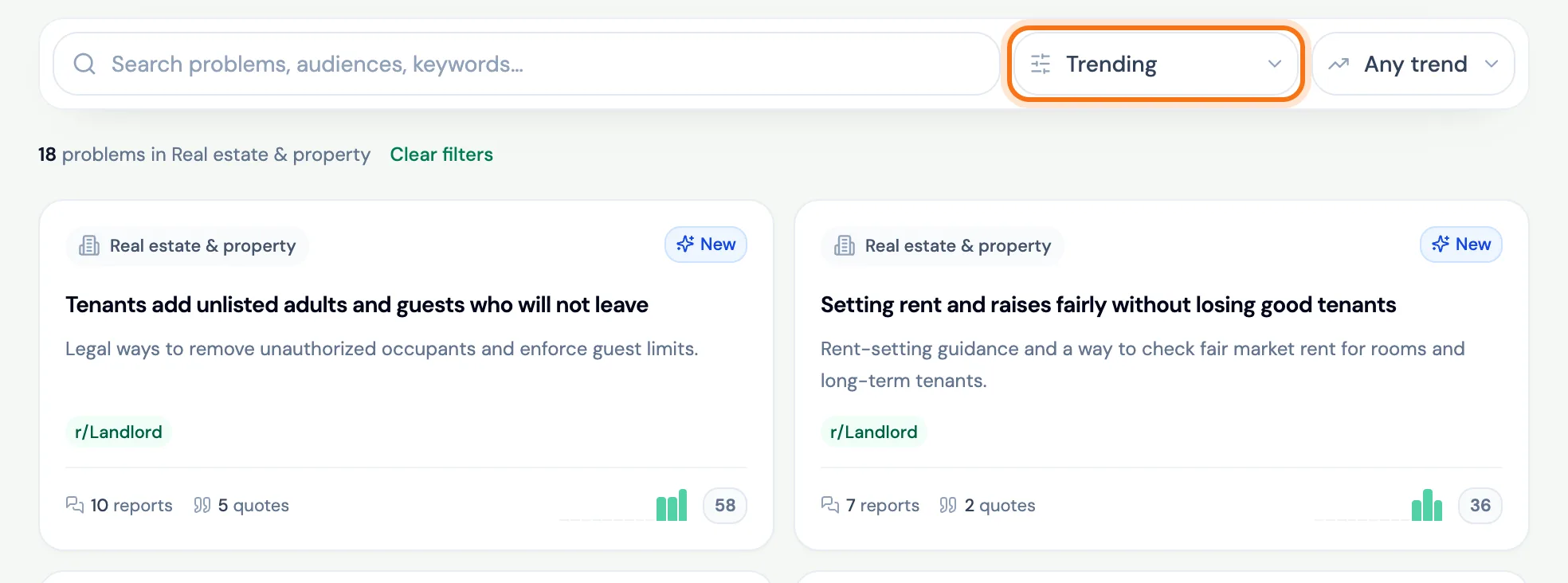
Step 3: Sort by what matters to you
Sort by Trending to see what got busier this month, or by most reported, most evidence, most painful, recently seen or newly discovered. Each card shows a trend badge, the communities, how many times it was reported and how many quotes back it.
 (opens the picture full size)
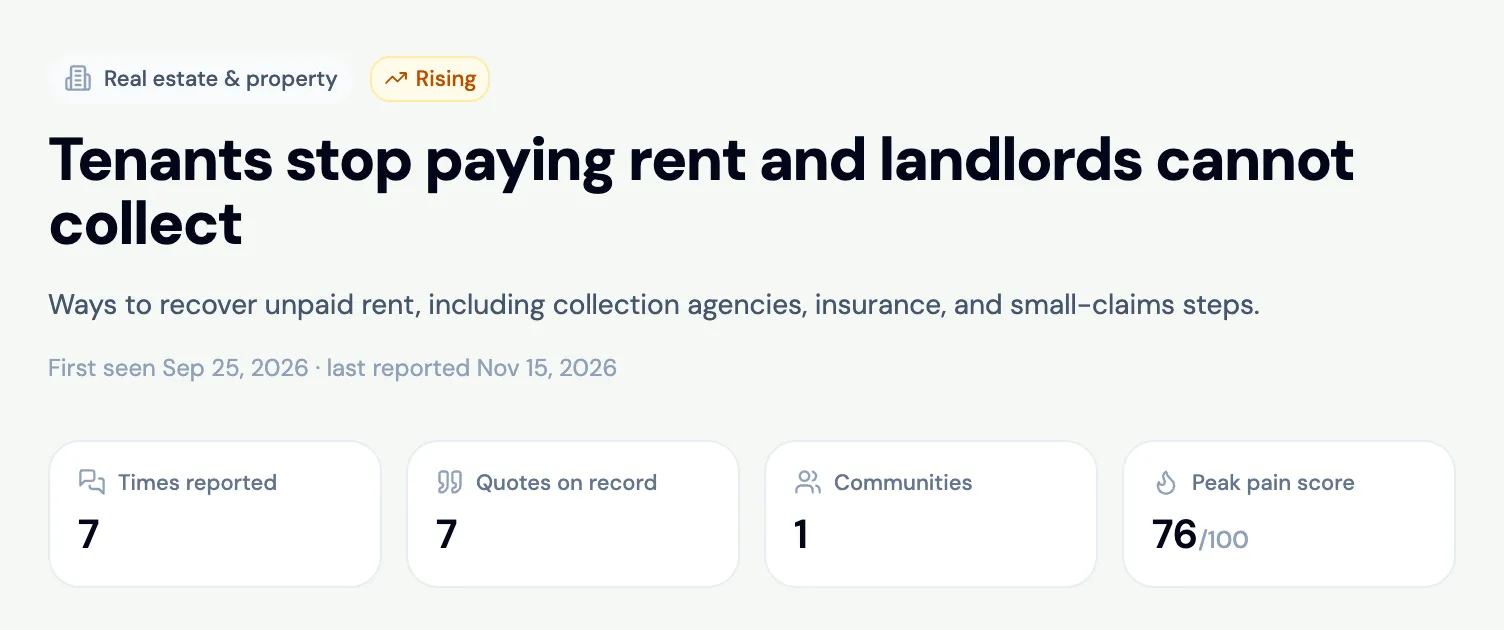
Step 4: Open a problem
Click a card to open the problem: when it was first and last seen, how many times it was reported, the quotes on record, its communities and its peak pain score.
 (opens the picture full size)
Step 5: Read what people wrote
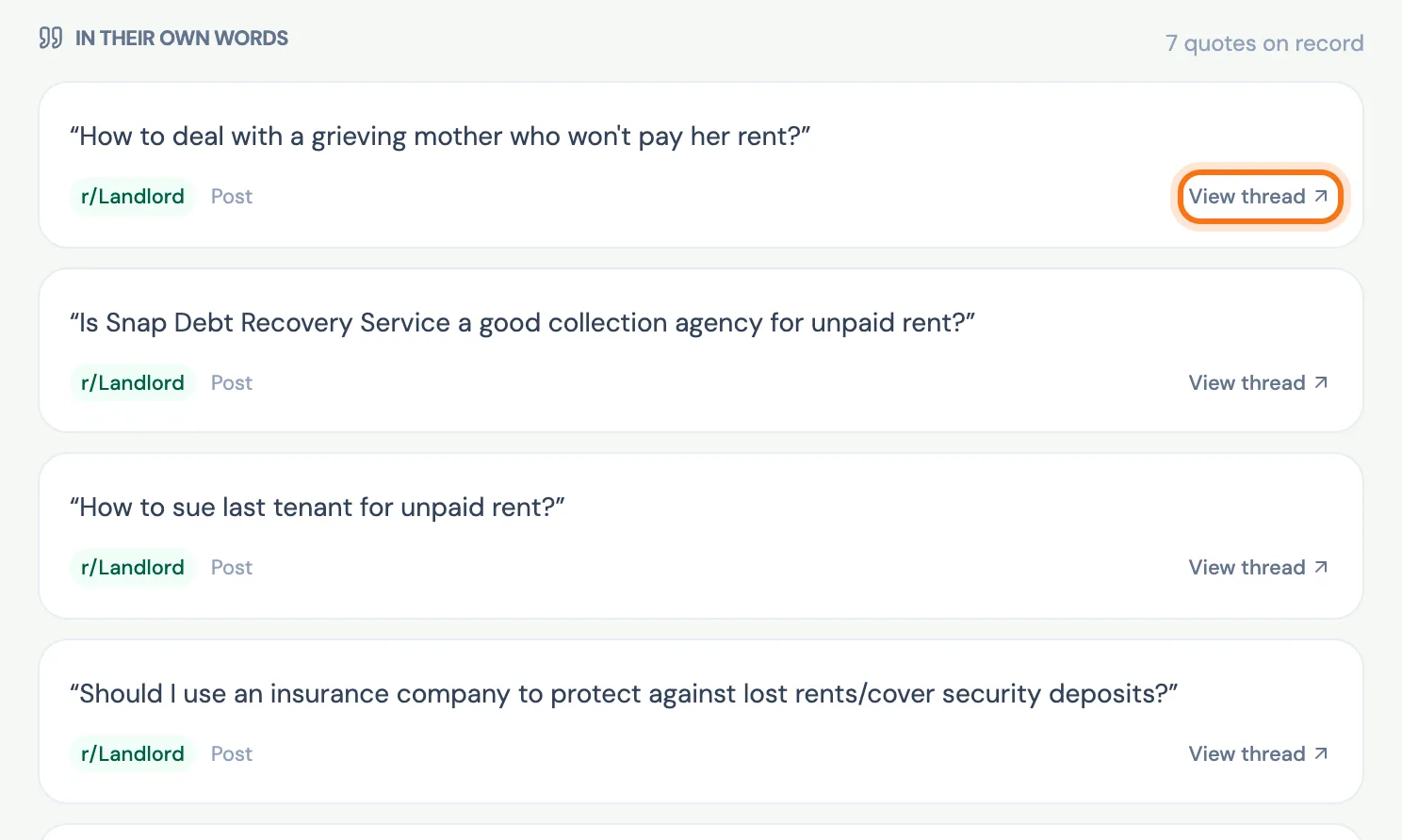
Under In their own words, every quote shows its community, and View thread opens it on Reddit. Quotes from people who say they would pay come first.
 (opens the picture full size)
Step 6: Scan it yourself
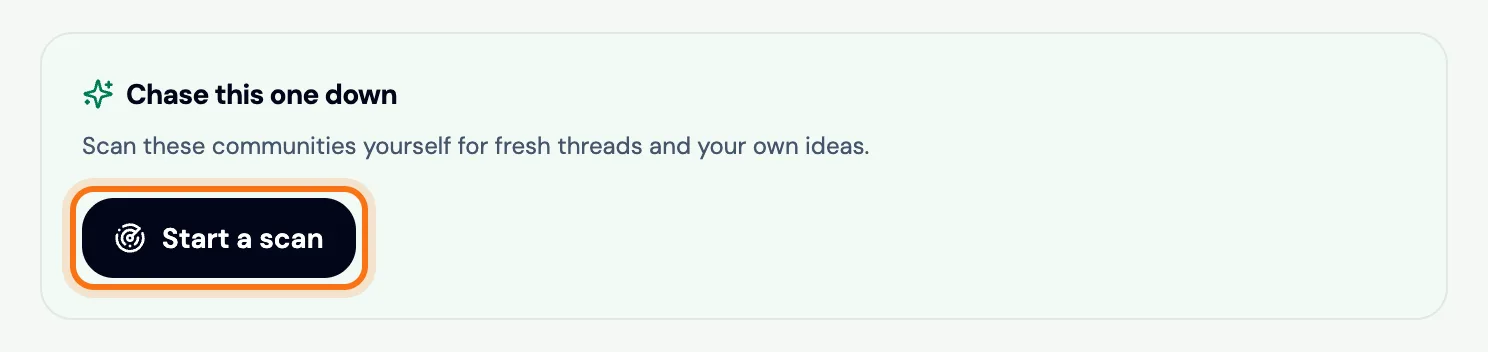
Found a problem worth chasing? Under Chase this one down, press Start a scan to scan its communities for fresh posts.
 (opens the picture full size)
Step 7: On other plans: the preview
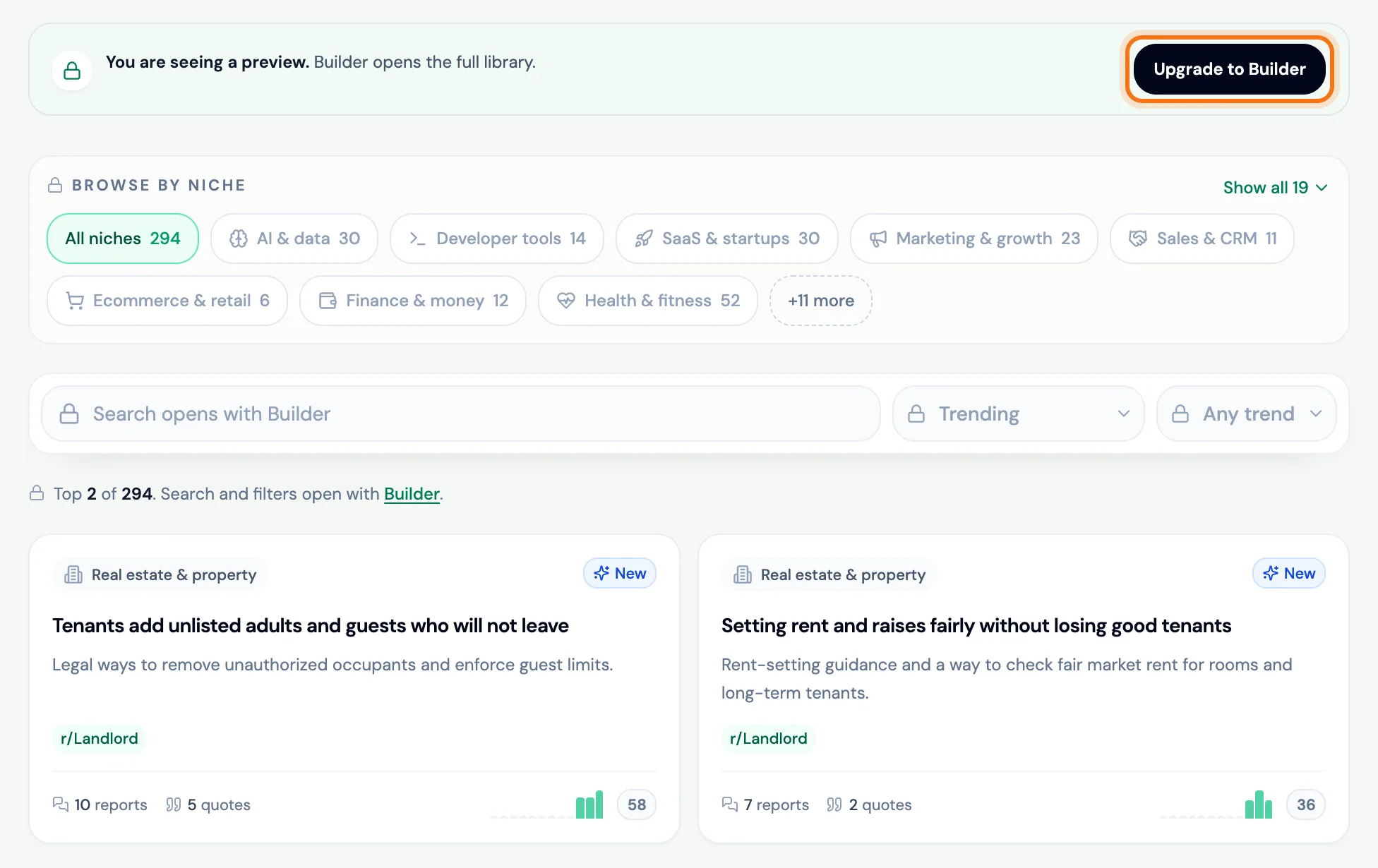
Builder opens the whole library. Other plans see the top 2 problems, with search and filters locked, and Upgrade to Builder to open the rest.
 (opens the picture full size)
What the trend badges mean
- New: first reported this month.
- Rising: reported a lot more this month than the month before.
- Steady: about as often as the month before.
- Cooling: reported less than the month before.
Frequently asked questions
Who can open the full IdeaFast Problem library?
Builder. Other plans see the top 2 problems by trend, with search and filters locked.
Is the Problem library the same as the Pain Universe?
Yes. Problem library is its name in the app since November 2026; older pages call it the Pain Universe.
Where do the problems come from?
From IdeaFast scans of Reddit communities. Every quote links to the Reddit thread it came from.
How is it different from the free library on /explore?
The free Reddit pain point finder at ideafast.pro/explore searches public research pages, with no account. The Problem library is inside the app, holds every problem from every scan and grows with each one.
Related
Skip the manual digging
IdeaFast scans Reddit for you and scores real pain points with evidence. Run your first scan free.